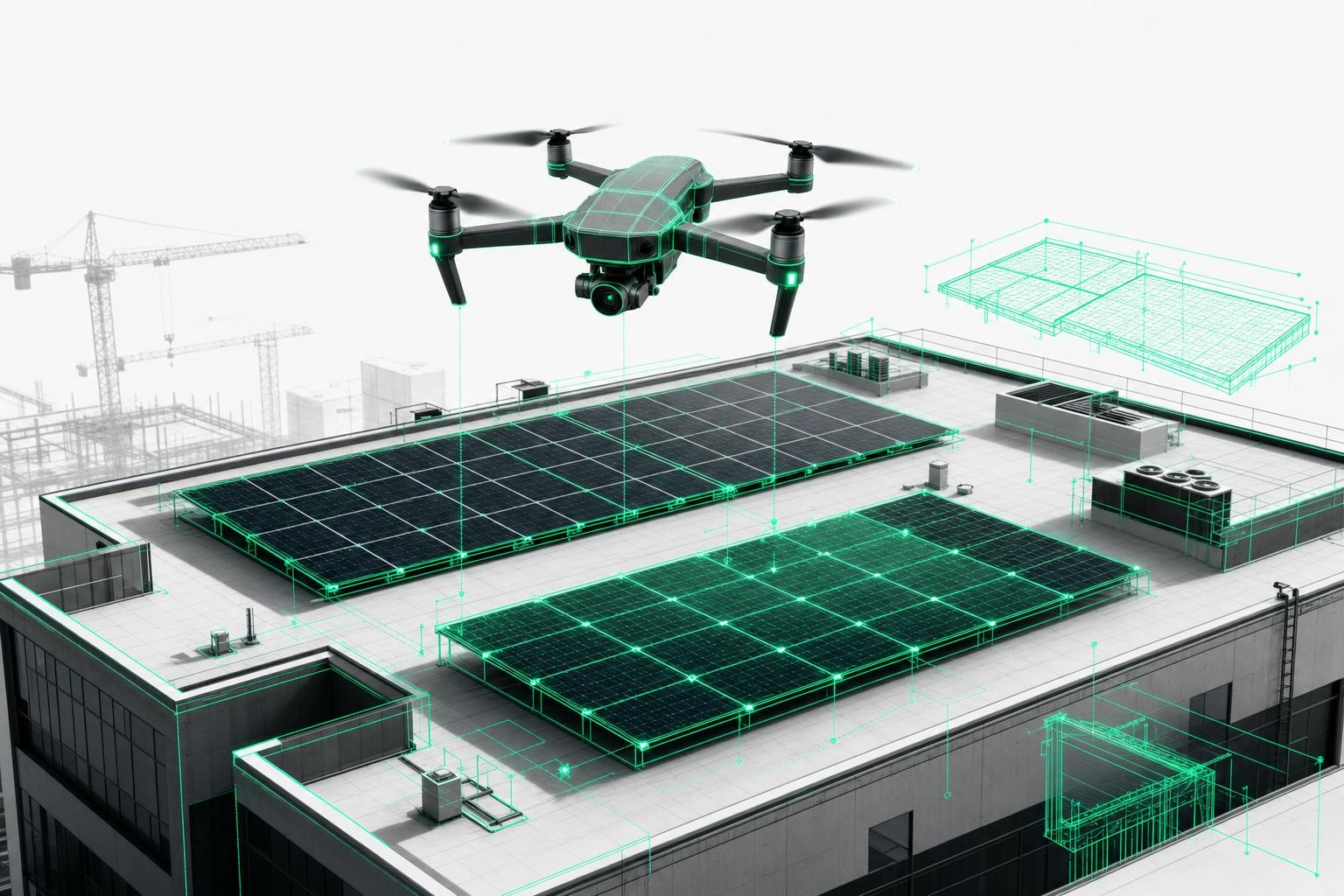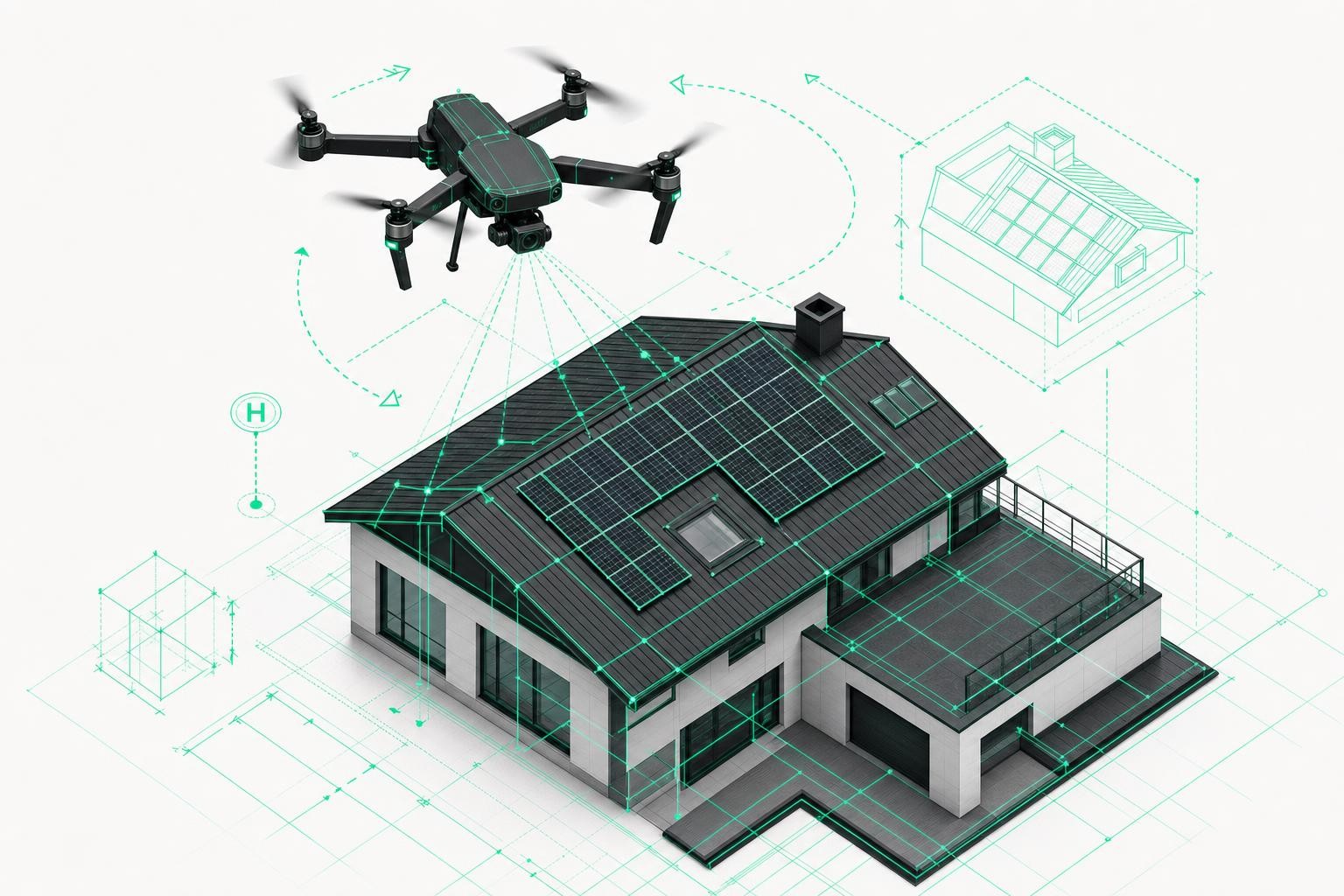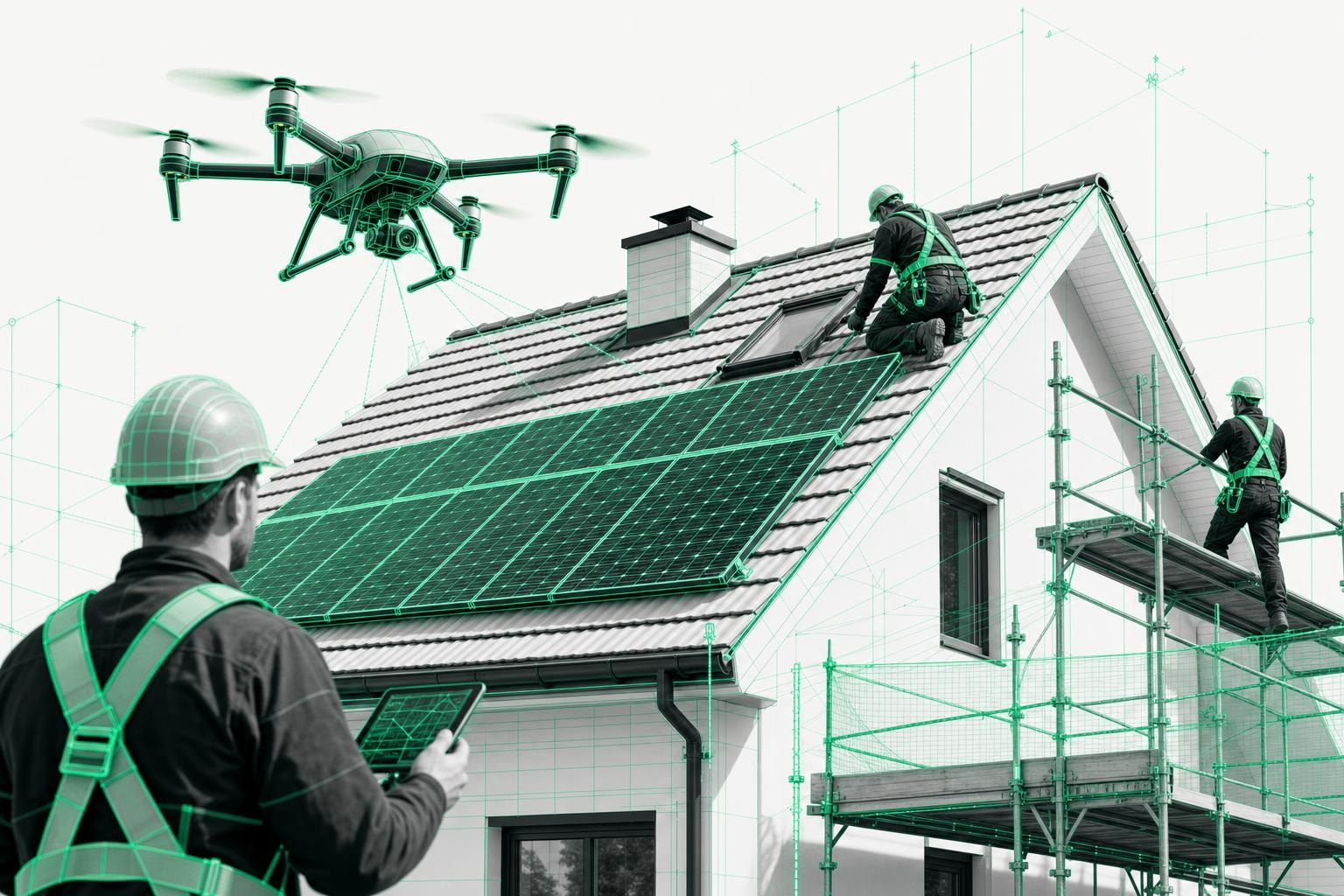

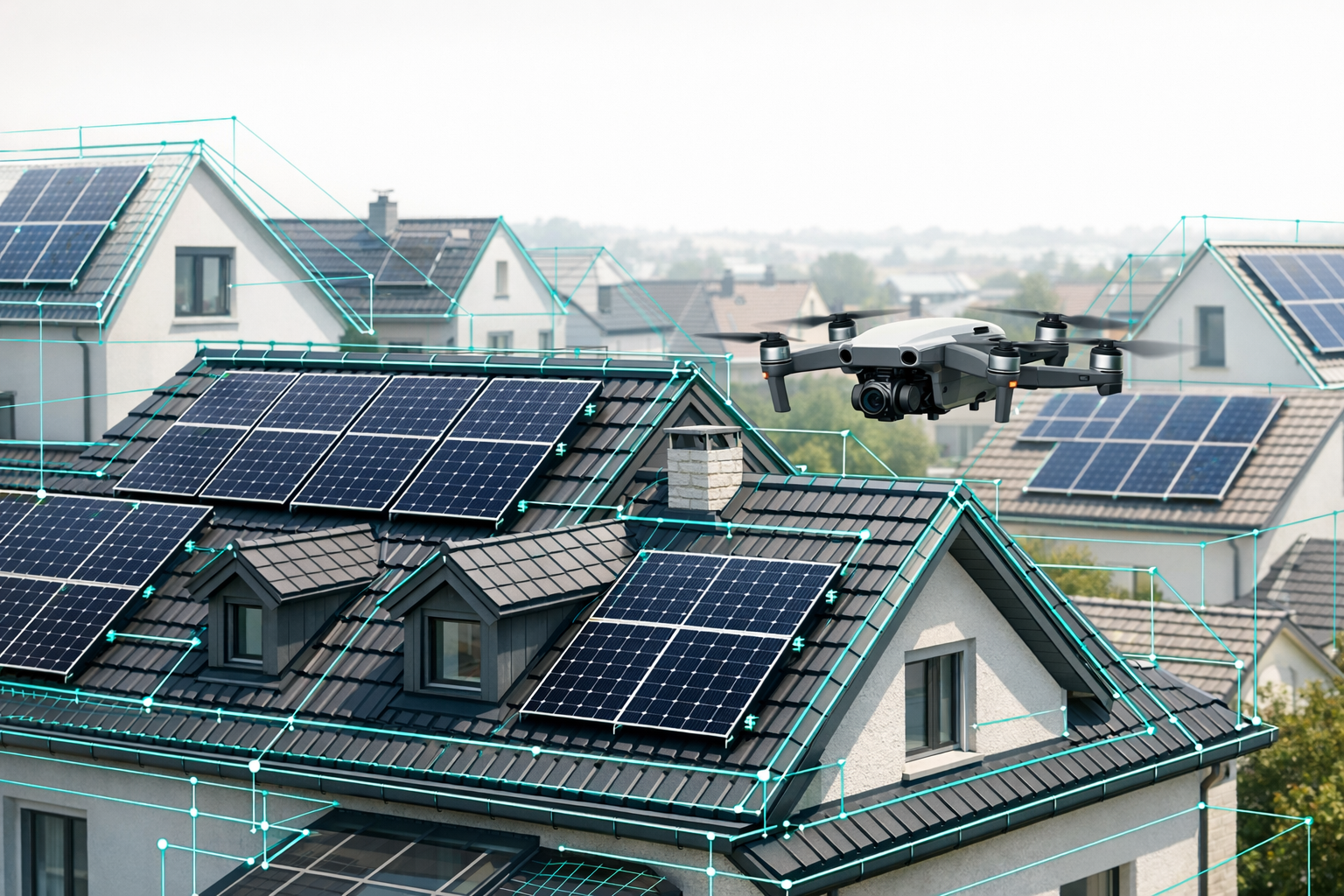
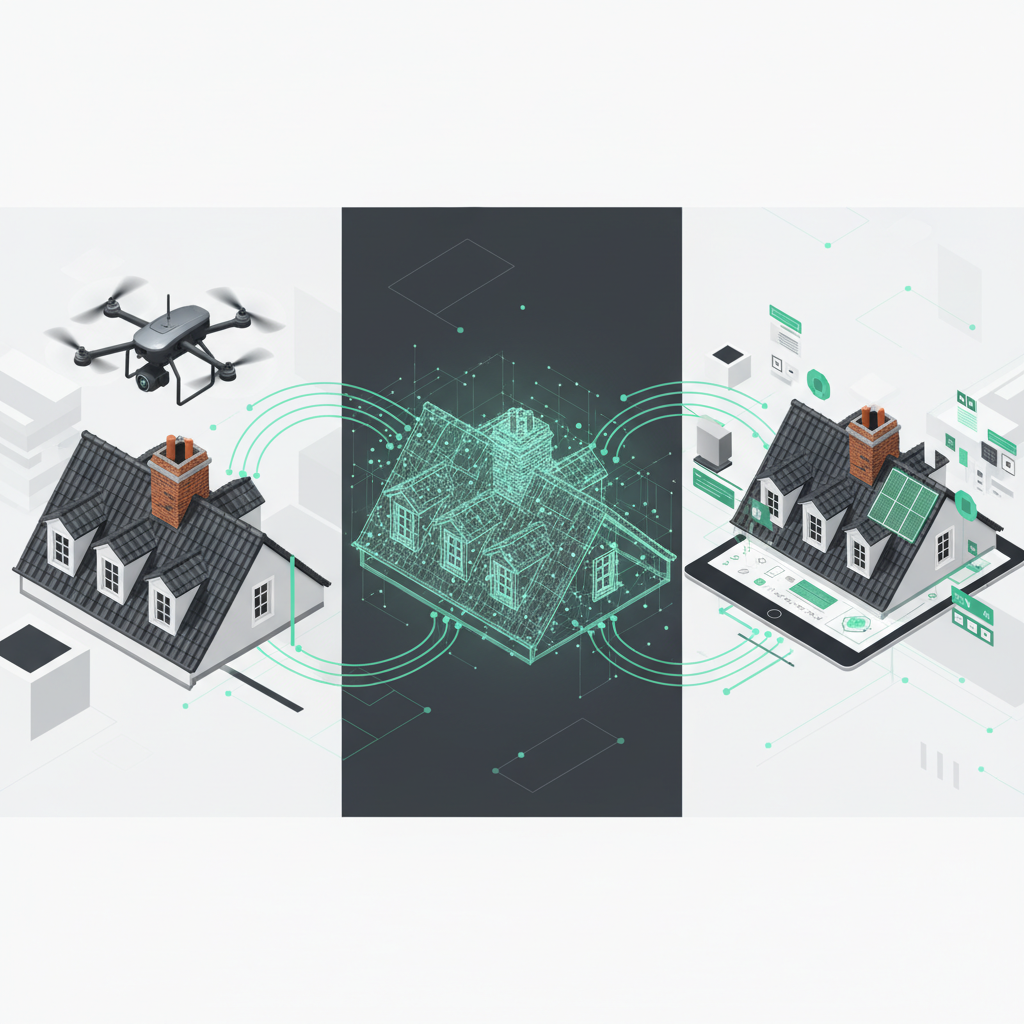
Existing roofs are rarely "standard": complex geometries, dormers, add-ons, historic details, and limited access make surveying and planning time-consuming - whether you are designing a PV system, planning a roof renovation, or creating a BIM model. This is exactly where 3D roof data from digital roof surveying software like Airteam comes into its own: you get centimeter-accurate as-built data that integrates directly into your PV software, renovation tools, and BIM workflows.
This how-to guide walks you through, step by step, how to:
- Use 3D roof data in PV software such as PV*SOL, Eturnity, and SolarEdge Designer
- Plan existing roofs efficiently for renovation and structural analysis
- Build a BIM model for older/existing roofs from Airteam data
1. Why precise 3D roof data is critical for existing buildings
With traditional site measurements, you quickly spend 2-4 hours per property on site: climbing onto the roof, measuring with a tape or laser, then manually transferring everything into your planning tools. Typical error rate: 5-10%, with all the consequences for materials, structural calculations, and cost estimates.
With drone-based, AI-supported surveying, the process looks very different:
- Flight time: approx. 3-15 minutes per building
- Data delivery: complete 3D model of roof and facade within 24 hours
- Accuracy: up to 99.9% with 1-3 cm tolerance - compliant with relevant standards and ideal for VOB/C-compliant billing, PV yield simulation, and renovation planning.
For you, this means you start every PV, renovation, or BIM project on an existing roof with a reliable, digitally shareable data set - instead of notes and gut feeling.
2. Step 1 - Digital roof surveying on existing buildings with Airteam
The first step is always the same - whether you are later planning PV, renovating, or modeling a BIM roof for an older building:
-
Create a project in Airteam Fusion
Mark the building on the map, select the project type (for example, "Solar", "Roof renovation", "Property"). The platform automatically generates the optimal flight path. -
Carry out the drone flight
- Use your own drone (for example, DJI) with an automated flight around the building
- or book an Airteam pilot who captures the property completely in just a few minutes.
-
Upload images and let the AI process them
The AI generates an interactive 3D model with all relevant details:- Roof areas, slopes, verge edges, and eaves
- Dormers, chimneys, roof windows, rooftop installations
- Facade surfaces and surroundings (depending on the data package)
-
Select planning data
Now you decide which data you need:- 3D models or specific formats for integration into PV planning tools
- Roof and facade reports for standards-compliant renovation planning on existing roofs
- IFC/BIM data for your BIM model of an older or existing roof
That completes the digital survey - and you can move straight into your specialist software.
3. Step 2 - Choosing the right 3D data package for your PV software
3.1 Airteam data for PV*SOL: From drone to 3D simulation
For PV*SOL premium, Airteam provides specially optimized data formats so you can plan your system directly in the 3D environment:
- Low Poly Model (LPM)
- Detailed 3D model including roof, facade, and surroundings (trees, neighboring buildings)
- Ideal for small to medium-sized projects up to around 1,000 m² - such as single-family and multi-family homes
- Planarized PV*SOL data
- Simplified, highly efficient roof model for large roof areas up to 25,000 m²
- Perfect for commercial systems and large PV arrays on industrial roofs
How to proceed:
- In Airteam, within the "Solar" project, select the appropriate PV*SOL format (for example, LPM for residential buildings).
- Start the export and download the PV*SOL file.
- In PV*SOL, create a new 3D project and import the Airteam file.
- Place the modules, run the shading analysis, and simulate the yield - the geometry is already centimeter-accurate from the drone survey.
Result: Your 3D roof data in PV software is ready to use without any manual drawing - including all obstacles and exact roof slopes.
3.2 Eturnity PV planning - proposals and simulations with a 3D model
For Eturnity PV planning, Airteam provides dedicated 3D models that include not only the roof but also the facade and surroundings. This lets you plan not just technically correctly, but also present customers with realistic 3D views and yield simulations.
How to integrate the data:
- In the Airteam Fusion platform, select the "Solar" project type and choose the planning format "Eturnity".
- Generate and download the Eturnity file.
- In Eturnity, create a new project, import the Airteam data, and define the module fields.
- Perform shading analysis, economic calculations, and proposal documents directly based on the actual building geometry.
With this combination, you dramatically reduce planning errors and ensure that the proposal, roof layout, and later construction process align.
3.3 SolarEdge Designer roof data - from survey to string layout
Many companies use SolarEdge Designer to size their PV systems. With Airteam, you can skip the manual transfer of measurements - you import a 3D model of the existing roof directly.
In practice, it works like this:
- A company such as Energieinsel surveys the roof with Airteam, downloads the data, and imports it straight into SolarEdge Designer.
- The string layout is then based on real roof edges, obstacles, and tilt angles - with no redrawing and no transcription errors.
Steps:
- In Airteam, select the appropriate SolarEdge export format for your solar project.
- Download the roof data and import it into SolarEdge Designer when creating the project.
- Plan the module and string layout directly on the 3D roof - including shading analysis.
This turns your SolarEdge Designer roof data into a precise, fully digital twin of the existing roof.
4. Step 3 - Using 3D data for existing-roof renovation and BIM for older buildings
4.1 Renovation planning for existing roofs with standards-compliant quantities
For roofers, carpenters, and planners, Airteam provides complete roof surveys, including:
- Roof areas (including overhangs)
- Ridges, hips, and valleys
- Verges and eaves
- Rooftop structures and penetrations
The data is prepared in a way that is compliant with applicable standards and VOB/C, making it ideal for tendering, cost calculation, and billing.
Use cases in renovation:
- Determine exact material quantities for tiles, insulation, and underlay membranes
- Document load assumptions for structural capacity transparently
- Derive scaffold planning and safety equipment requirements directly from the 3D model
This significantly reduces rework and change orders, especially on complex existing and older roofs.
4.2 BIM for older buildings: IFC data and combination with interior scans
For architects, engineering firms, and housing associations, the combination of digital roof/facade surveying and BIM is becoming increasingly important.
Airteam provides:
- 3D CAD and IFC data of the building envelope
- Classified building elements (roof surfaces, wall surfaces, etc.) for direct use in BIM software
- The ability to combine this data with interior scans to create a complete BIM model
A real-world example: municipal utilities and partners like Lumoview combine Airteam 3D roof data with interior data to build complete BIM models for energy-efficient refurbishment, PV planning on complex roofs, and digital energy consulting - with only about 15 minutes of on-site time per building envelope.
Especially for BIM models of older roofs, this is a game changer: instead of outdated 2D drawings, you work with a current, walkable 3D twin of the existing building.
5. Best practices for clean integration with PV planning tools
To ensure your PV planning tools integration runs smoothly, these practical tips help:
-
Define a clear goal for each project
- PV only? -> choose a dedicated PV format (PV*SOL, Eturnity, SolarEdge)
- PV + renovation + BIM? -> use a combination of PV data, survey report, and IFC
-
Check units and coordinate systems
Make sure all tools are working in meters and that no scaling errors occur. -
Introduce version control
Name exported files consistently by project (for example,ProjectName_V01_PVSOL) and document changes. -
Define obstacles and clearances
Use the rooftop structures and edges present in the model to set fixed exclusion zones and maintenance walkways directly in the PV software. -
Share data centrally within the team
Via links from the Airteam Fusion platform, roofers, structural engineers, PV planners, and scaffolders can all work on the same digital model - without duplicate data collection.
6. Frequently asked questions about using 3D roof data in PV and renovation software
Which software does Airteam support directly?
Airteam exports to over 15-25 planning formats - including PV*SOL, Eturnity, SolarEdge Designer, AutoCAD, SketchUp, IFC/BIM, and other PV tools.
How quickly will my data be available?
After the drone flight, your fully processed 3D models and planning data are typically available within 24 hours.
How accurate are the measurements for existing roofs?
The AI-based processing achieves up to 99.9% accuracy with a tolerance of 1-3 cm and is significantly more precise than satellite data - ideal for PV yield simulations and VOB/C-compliant billing.
Does it also work on complex older roofs?
Yes. Particularly on intricate roofs with many dormers and rooftop additions, the 3D model shows its strengths: all surfaces, edges, and obstacles are captured cleanly and can be used in PV software, renovation tools, or BIM systems.
Conclusion: From drone flight to finished design - a seamless workflow
With Airteam, you turn just a few minutes of drone flight into fully usable 3D roof data for PV software, renovation planning, and BIM.
- No risk from climbing on the roof
- Up to 90% less time spent on surveying
- Direct integration into PV*SOL, Eturnity, SolarEdge Designer, and more
- Reliable foundation for renovation planning on existing roofs and BIM models of older roofs
If you want to deliver your projects on existing buildings faster, safer, and more professionally, now is the right time to plan your first drone flight with Airteam - and experience how straightforward digital roof surveying can be today.