
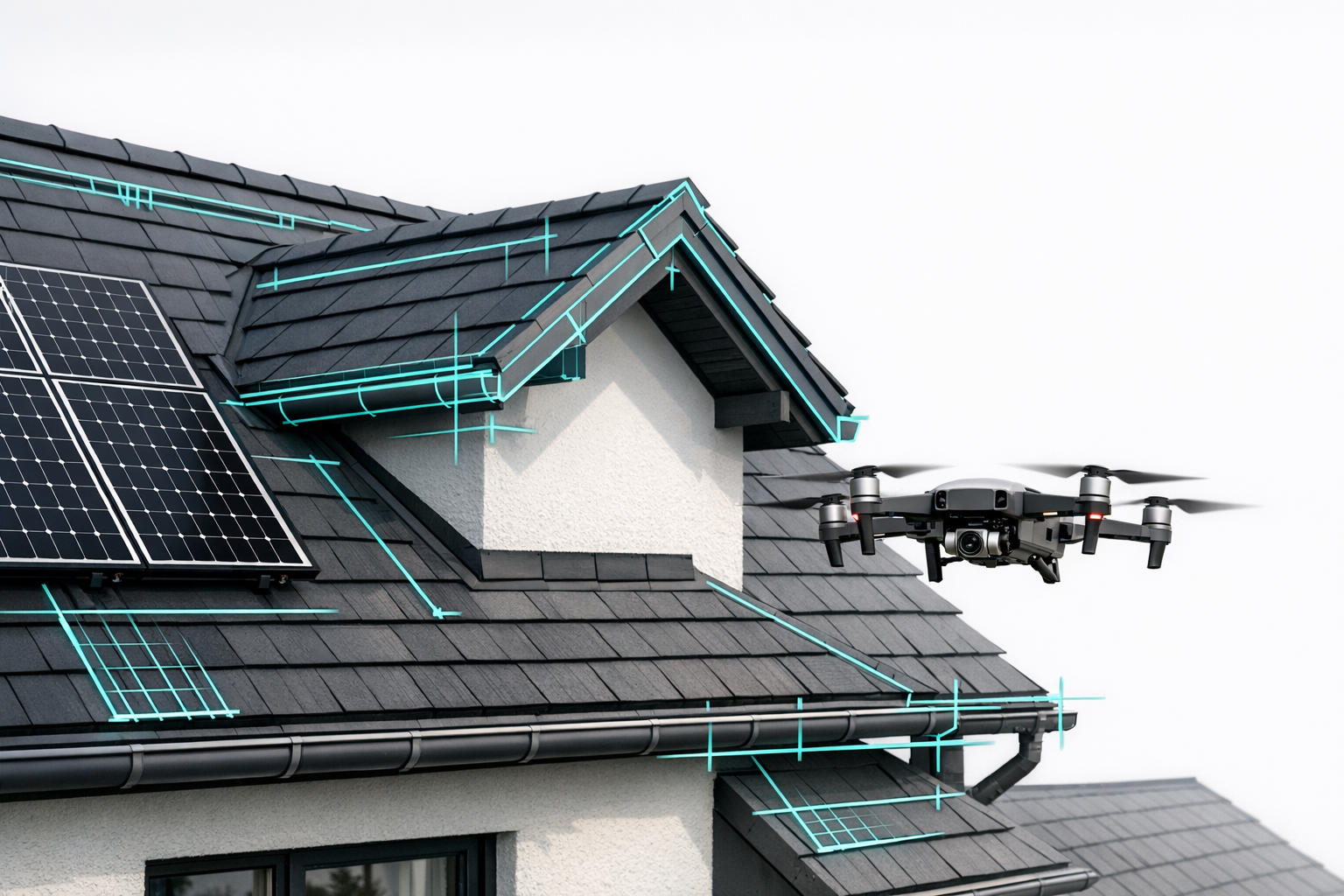
Digital measurements have long since become much more than a "nice to have" in the day-to-day work of roofers. In the joint webinar from Airteam with Markus Friedrich (MF Dach) and Jakob Richter (Roofing Company Jakob Richter), the focus was exactly this: how you can go from a drone-based measurement with Airteam to a fully costed project in MF Dach and MF Dachdesigner in just a few clicks - without retyping numbers, without piles of paper, and without a second trip to the job site.
At the heart of it all is a small but crucial file: the Airteam JSON.
1. Why the combination of Airteam & MF Dach is so powerful
MF Dach is an established roofing software solution developed specifically for the needs of roofing and carpentry businesses. Airteam provides MF Dach with a JSON file containing classified 3D geometries, which is included directly with the measurement report. Once imported, all relevant dimensions - areas, edges, slopes - are instantly available at the touch of a button for quotes, material calculations, and project planning.
The webinar highlighted the following in essence:
The big advantage is: you no longer have to type in measurements. The drone survey comes as a JSON file and MF Dach turns it into your technical measurement.
For roofers like Jakob Richter, that means in concrete terms:
- Measurements in minutes instead of hours
- Fewer measurement errors and fewer recalculations
- Quotes that are solid from a technical point of view and visually convincing for customers
From other projects we know that businesses save up to 90% of their time on measurements with Airteam. Companies like Dachdeckerei Mann report 91% time savings and 23% more accepted quotes.
2. Where to find the Airteam JSON file
The webinar walked through, step by step, where to find the JSON file in the Airteam platform and how to export it. The logic is always the same - whether it is a single-family home or a large commercial project:
Open the project in the Airteam Fusion Platform
After the drone flight, your team uploads the images. Within 24 hours, the 3D model including all measurement data is ready.Go to the "Planning Data / Downloads" section
For each project, Airteam provides different formats - including specially prepared exports for MF Dach.Select the "MF Dach - JSON" format
Airteam provides MF Dach with a JSON file containing classified 3D data, optimized for quote calculation and quantity takeoff.Save the file locally
Save the JSON file in your project folder - ideally in the same place where your MF Dach project data is stored.
In the webinar, it was summed up like this:
You do not have to convert or post-process anything - simply select the correct format, download it, and import it into MF Dach.
3. Importing into MF Dach: From 3D model to finished calculation
The next steps take place in MF Dach. The exact menu labels depend on your version, but the webinar made it clear: there is a clearly labeled import path for external measurement files that also supports the Airteam JSON.
The typical workflow:
Create or open a project in MF Dach
Create a new job or select an existing project for which the measurement was done.Open the import function
Using the import or measurement assistant, select the appropriate format (for example, "Airteam / JSON" or "MF Dach JSON measurement" - depending on your version).Select the JSON file
Choose the Airteam JSON you saved earlier and start the import.Automatic transfer of the roof geometry
MF Dach reads in the classified areas, edges, and slopes. This gives you all the dimensions you need for pitched or flat roofs immediately, ready for quoting and material calculation.
The webinar emphasized the following in essence:
After the import, all relevant roof areas are available straight away - you can immediately assign line items and start calculating.
This not only saves time; it also eliminates errors that easily occur when transferring numbers manually into your estimating software. Many businesses already use Airteam data to transfer digital, standards-compliant measurements directly into their industry software.
4. MF Dachdesigner: Visual planning based on drone measurements
For anyone also working with MF Dachdesigner, it gets even more interesting. This is where the 3D model really comes into its own:
- Roof surfaces, breaks, dormers, and valleys come directly from the Airteam measurement
- The geometric data from the JSON file forms the basis for clean, visual planning
- Any changes to the design remain geometrically accurate because the base model is correct
The webinar summed it up roughly as follows:
MF Dachdesigner benefits enormously from having the base geometry come from the Airteam measurement. You are planning on a reliable 3D model instead of on a rough sketch.
This really pays off, especially for complex roofs with many dormers and junctions: you can spot tricky details early on, test different design options, and present the client with a professional visualization - without having to construct everything manually.
5. Real-world benefits for roofing companies like Jakob Richter
Using the example of Jakob Richter, the webinar showed how the workflow changes in day-to-day operations:
- Fewer trips to the job site - everything you need is contained in the 3D model
- No more climbing for measurements - surveying is done safely from the ground with a drone
- More trust from customers - thanks to a transparent, digital measurement instead of a hand-drawn sketch
- Faster quotes - Airteam delivers the model within 24 hours, MF Dach takes over the quantities via JSON ● quotes usually go out within one to two days instead of weeks
Other Airteam customers report 100% accuracy and zero rework since switching to digital measurements, and that "every quote is accurate the first time."
6. Step-by-step: Your roadmap after the webinar
To help you put what you saw into practice directly in your business, here is a condensed, hands-on roadmap:
Introduce drone-based measurement with Airteam
- Use your own drone with a starter kit and training, or use an Airteam pilot.
Create an Airteam project & upload images
- After 24 hours, the 3D model is available in the Airteam Fusion Platform.
Download the "MF Dach - JSON" file
- In the project's download / planning data section.
Import the JSON into MF Dach
- Open a new or existing project, start the measurement/import function, and load the file.
Continue planning in MF Dachdesigner (optional)
- Use the 3D geometry from the JSON to visualize details and design options.
Create the quote & order materials
- Quantities come from the Airteam measurement; MF Dach handles the calculation and, if required, the DATANORM link to your supplier.
7. FAQ on the webinar topic: Airteam JSON & MF Dach
How do I get the Airteam JSON file for MF Dach?
As soon as your project has been processed in the Airteam Fusion Platform, you will find the "MF Dach - JSON" format in the "Planning Data / Downloads" section. The file contains classified 3D geometries and is prepared specifically for MF Dach.
Does this only work for pitched roofs?
No. The integration is designed to support both pitched roofs and flat roofs.
Do I need CAD skills?
No. The analysis runs automatically in the cloud, and the data is provided ready for import into MF Dach. The Airteam interface is designed so that any member of your team can work with it - with no CAD background required.
What is the economic benefit of this integration?
Customer reports show: up to 90% time savings for measurements, significantly less rework, and noticeably more accepted quotes - especially when you present quotes with 3D visualization.
If you are already using MF Dach, Airteam is the logical next step: from safe drone-based measurement straight into your calculations - with no media breaks, no transposed digits, and no risk on the roof.